
.png)
See how agents can work around your recruiters
We can show you this agent running against your stages and activity data, so you can see how many candidates it would close out and what your pipeline looks like afterwards.


.svg) Product
Product Core Modules
Extended Modules
Experience
RippleHire AI
Meet the agents
How the platform works
Responsible AI & Governance
Solution
By Role
By Industry
By Hiring Type
Customers
Core Modules
Extended Modules
Experience
RippleHire AI
Meet the agents
How the platform works
Responsible AI & Governance
Solution
By Role
By Industry
By Hiring Type
Customers Customer Stories
Proof & Community
Resources
Customer Stories
Proof & Community
Resources Download
our Exclusive Ebook
Download
our Exclusive Ebook
Advanced thinking in talent science and culture Actionable frameworks for HR leaders Case studies and results from industry pioneers
Talent science
Comparisons
Company
Talent science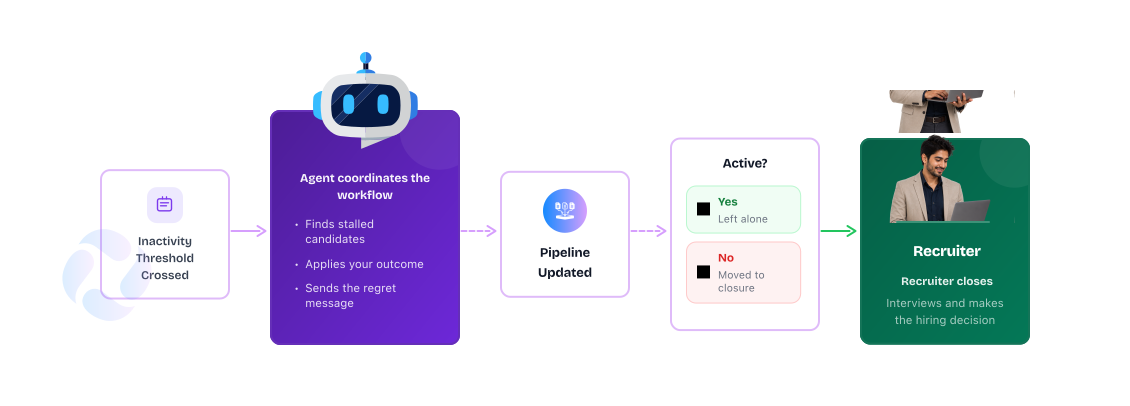
Every stage collects candidates nobody has touched in weeks. The role changed, the panel moved on or the moment simply passed. Closing each one takes a decision, a stage change and a message, multiplied across hundreds of profiles, so it keeps getting pushed to later.

.jpg)
That is coordination work sitting on a recruiter’s desk. While it waits, reports show volume that means nothing, recruiters scan past the same stale names every day to find the candidates still moving, and the people sitting in those stages hear only silence from your brand.

Scans every stage for candidates with no activity past your threshold.

Applies the rules you set for stage, role and time before touching anyone.

Moves the candidate to the outcome you define and sends the regret message.

Engages the candidates who are active and moves them towards a decision.

The agent reviews your stages on the schedule you set, without anyone starting the process.

You define what counts as stale, for example 45 days in a stage with no movement, and you can vary it by stage, role or job type.

The candidate is moved to the outcome you configure, such as Rejected, so the stage reflects who is in process.

The candidate receives a respectful closing message instead of silence, personalised with their name and role.
Configure once. The agent coordinates from there.

Stage counts and reports reflect candidates who are in process, so decisions rest on the true state of hiring.

Everyone who exits the process gets a closing message, which keeps the door open for the next role and the next referral.

Less time scanning stale profiles to find movement. More time engaging the candidates who can still be hired.
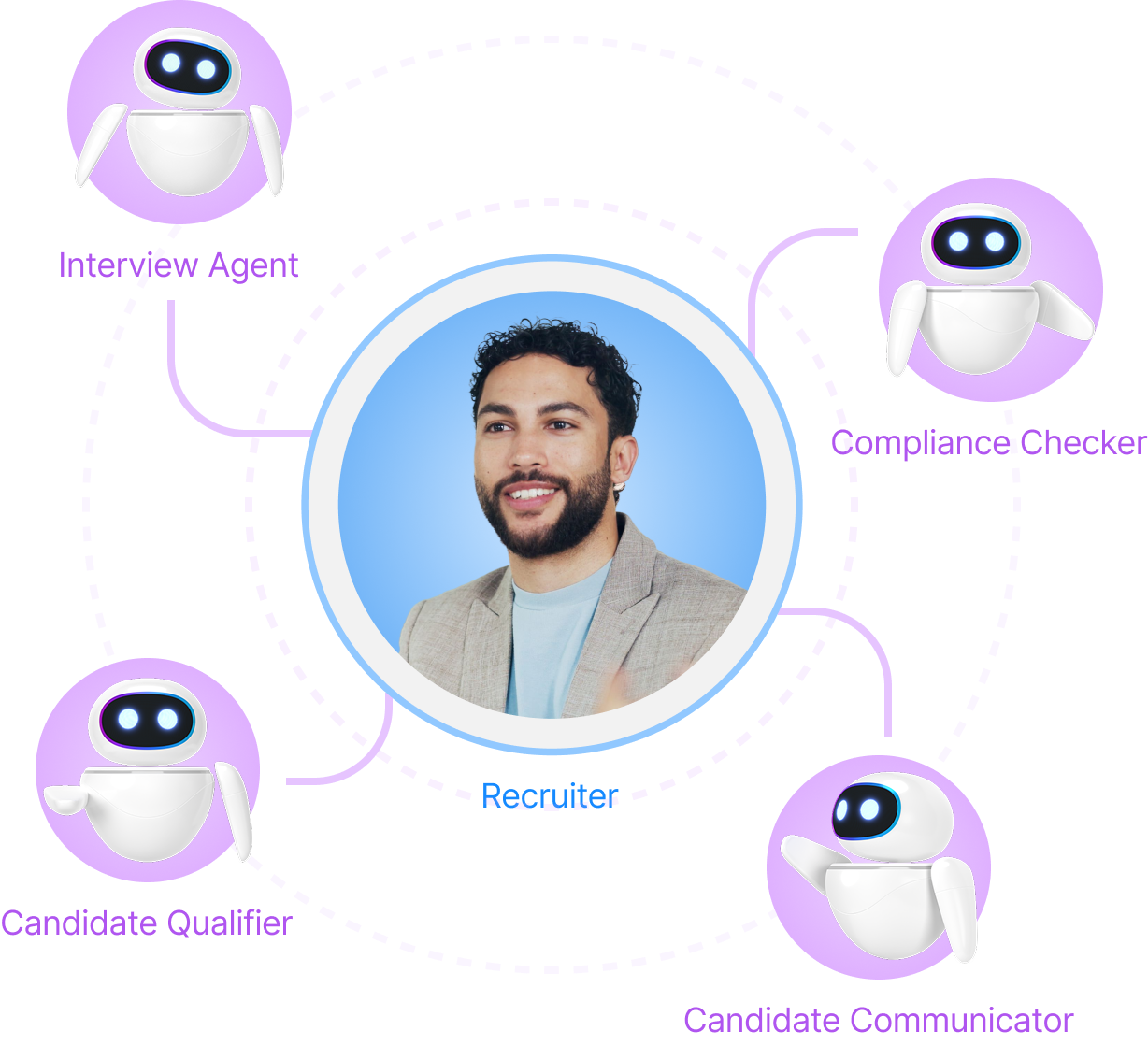
Pipeline hygiene is one workflow Agent Builder can coordinate. Zero Ghost Jobs applies the same discipline to job postings. Human Interview Fast Track moves qualified candidates before they can stall. Campus Voice Screening keeps volume drives flowing, and the Approval Agent clears blockers upstream.
The pattern stays the same: agents handle the coordination, while recruiters handle the conversations, decisions and relationships that move hiring forward.
We can show you this agent running against your stages and activity data, so you can see how many candidates it would close out and what your pipeline looks like afterwards.