
.png)
See how agents work in your hiring context.
RippleHire agents are configured to your workflow, your team structure, and your compliance requirements. Book a demo to see a live walkthrough with roles and volumes relevant to your organization.

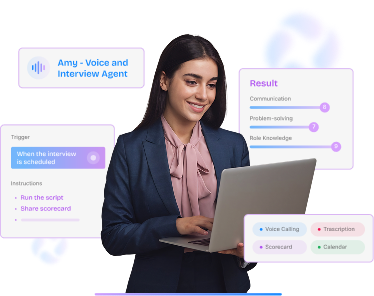
Screening, scheduling, reminders, and follow-ups run automatically. See a live interview agent handle the work that buries your team.
.png)
Every action is visible, auditable, and reversible. Your team sets the guardrails and stays accountable for the call.
.png)
We walk your current process and surface where manual handoffs, stale data, and slow stages are quietly costing you hires.


.svg) Product
Product Core Modules
Extended Modules
Experience
RippleHire AI
Meet the agents
How the platform works
Responsible AI & Governance
Solution
By Role
By Industry
By Hiring Type
Customers
Core Modules
Extended Modules
Experience
RippleHire AI
Meet the agents
How the platform works
Responsible AI & Governance
Solution
By Role
By Industry
By Hiring Type
Customers Customer Stories
Proof & Community
Resources
Customer Stories
Proof & Community
Resources Download
our Exclusive Ebook
Download
our Exclusive Ebook
Advanced thinking in talent science and culture Actionable frameworks for HR leaders Case studies and results from industry pioneers
Talent science
Comparisons
Company
Talent science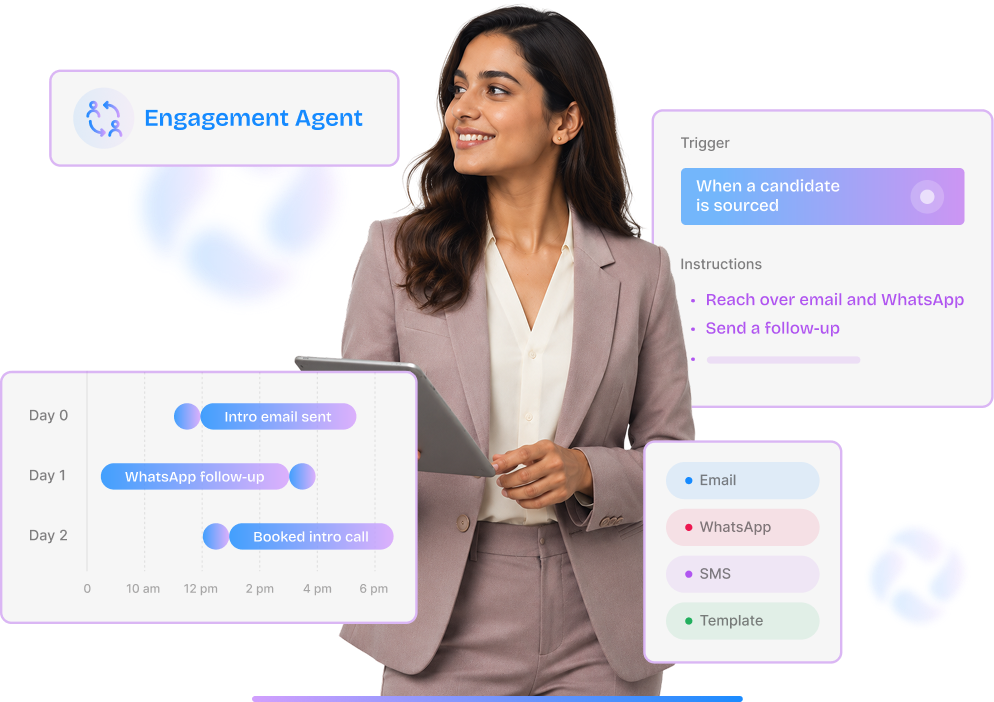
Every RippleHire agent follows
the same pattern: something happens in your hiring workflow, the agent reads the context, it
takes an action, and it hands the result back to a recruiter. No manual triggering. No separate
tool. No black-box output.
This page explains how that pattern works — and what it looks like in practice across different
stages of the funnel.
Whether an agent pre-screens candidates or validates documents, it is built from the same three
components.
Understanding these three parts is enough to understand how
any agent in RippleHire
works.

The event that starts the agent. A candidate applies. An interview is scheduled. A document is uploaded. An offer is accepted. The trigger is precise — the agent runs only when the defined event occurs, not continuously.

The filter that determines who the agent acts on. Role type, skill set, location, experience level, or any field in your ATS. Conditions ensure the agent runs on the right candidates for the right jobs — not everything in the pipeline.

What the agent does, and what it passes to a human. Call a candidate and deliver a scorecard. Generate interview questions and surface them in Teams. Validate a document and flag it for recruiter review. Every agent ends with a handoff.
Each agent below follows the trigger, condition, action, handoff pattern. The specifics differ. The structure does not.
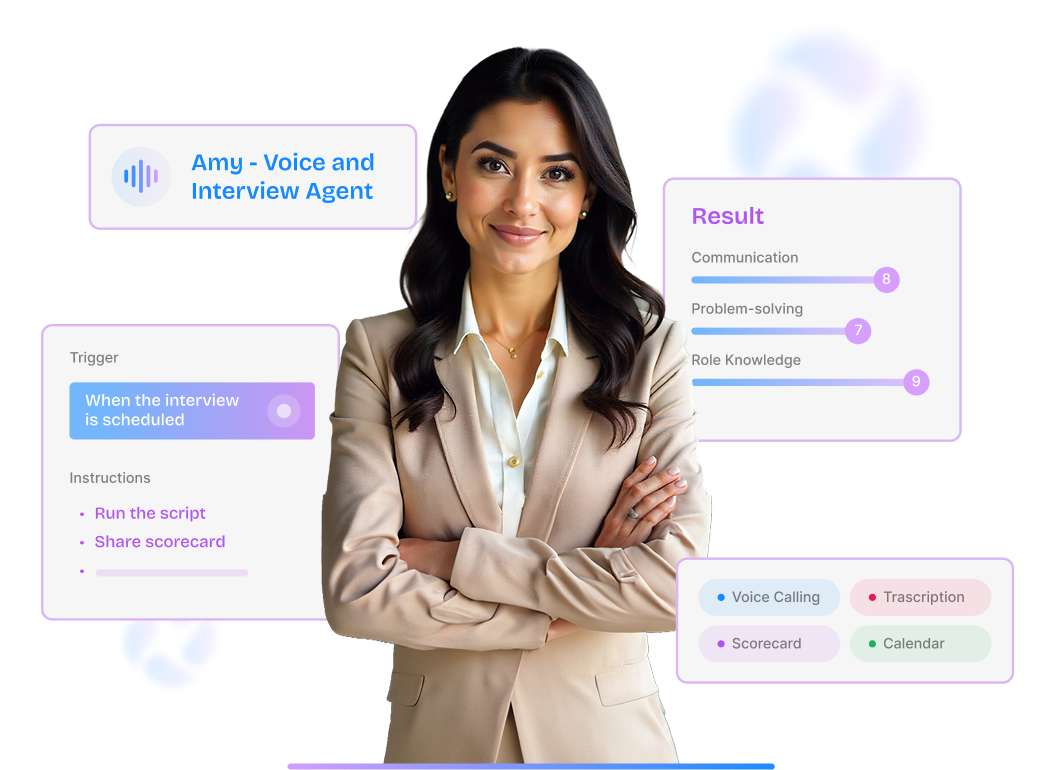
Pre-screens candidates at scale through a conversational call, the moment they apply.
Candidate application is parsed against the job description.
The candidate receives a WhatsApp and email confirmation with a self-serve scheduling link.
The candidate picks a call slot in their own time zone.
Voice Agent dials at the chosen time. Auto-retries if busy or unanswered.
Conversational screen covers skills, availability, and role interest.
Structured scorecard and full call transcript delivered to the recruiter.
A scored candidate summary with transcript. The recruiter reviews the output and decides whether to advance — they do not make the call, listen to it, or transcribe it themselves.
Gives every panel interviewer the right questions and context before they say a word.
Copilot triggers automatically. No recruiter action needed.
AI reads the job description, candidate resume, round description, and all prior interview transcripts.
Structured questions built for the round type: intro, technical, or HR.
Questions, sample answers, and candidate context surface directly in Microsoft Teams when the interviewer joins.
Role-specific questions with ideal answer guidance, candidate summary, and prior round context — loaded automatically when the meeting starts. The interviewer conducts the conversation and makes the evaluation. The agent does the preparation.
Verifies candidate documents the moment they are uploaded, with no manual checking required.
Candidate uploads via the portal. Format and document type are validated immediately.
Text is extracted from the document and converted to structured data fields.
Passport-style photo checks and document content validation run automatically.
Extracted data is matched against the candidate's profile and configured validation rules.
Document is tagged Match, Attention, or Approved based on the validation result.
Flagged documents are surfaced for human review. Approver name and timestamp are logged.
A clear status on every document — Match, Attention, or Approved — with the specific mismatch flagged. Recruiters review exceptions, not every document. The audit record is created automatically.
Lets your team build custom agents for any step in your hiring workflow, without writing any code.
Define when the workflow starts — a stage reached, a role filled, an offer accepted, or a time elapsed.
Specify rules that must pass before the action runs — role type, skills, department, location, or any configured field.
Choose what the agent does: move a candidate, unpublish a job, send a notification, or assign a task.
Test the workflow on live or simulated data before activating in production.
A configurable agent running exactly the workflow you designed, with full traceability in the job and candidate collaboration tabs. No engineering tickets. No waiting. Every action logged.
Agents do not make hiring decisions. They handle the systematic work so recruiters can focus on the decisions that actually require a human.

Every agent in RippleHire is designed to be transparent, auditable, and reversible. Control does not
transfer to the agent — it stays with your team.

Every agent action is logged in the job and candidate collaboration tabs. Who triggered what, when, and what the outcome was — visible to recruiters and compliance teams.

Agents can be paused, edited, duplicated, or deactivated at any time without losing workflow history. Changes take effect immediately.

Every agent action is logged in the job and candidate collaboration tabs. Who triggered what, when, and what the outcome was — visible to recruiters and compliance teams.
RippleHire agents are configured to your workflow, your team structure, and your compliance requirements. Book a demo to see a live walkthrough with roles and volumes relevant to your organization.