

.png)
See how agents can work around your recruiters
We can show you this agent running against your live requisitions and posting channels, so you can see which jobs it would have unpublished and where your recruiters step in.


.svg) Product
Product Core Modules
Extended Modules
Experience
RippleHire AI
Meet the agents
How the platform works
Responsible AI & Governance
Solution
By Role
By Industry
By Hiring Type
Customers
Core Modules
Extended Modules
Experience
RippleHire AI
Meet the agents
How the platform works
Responsible AI & Governance
Solution
By Role
By Industry
By Hiring Type
Customers Customer Stories
Proof & Community
Resources
Customer Stories
Proof & Community
Resources Download
our Exclusive Ebook
Download
our Exclusive Ebook
Advanced thinking in talent science and culture Actionable frameworks for HR leaders Case studies and results from industry pioneers
Talent science
Comparisons
Company
Talent science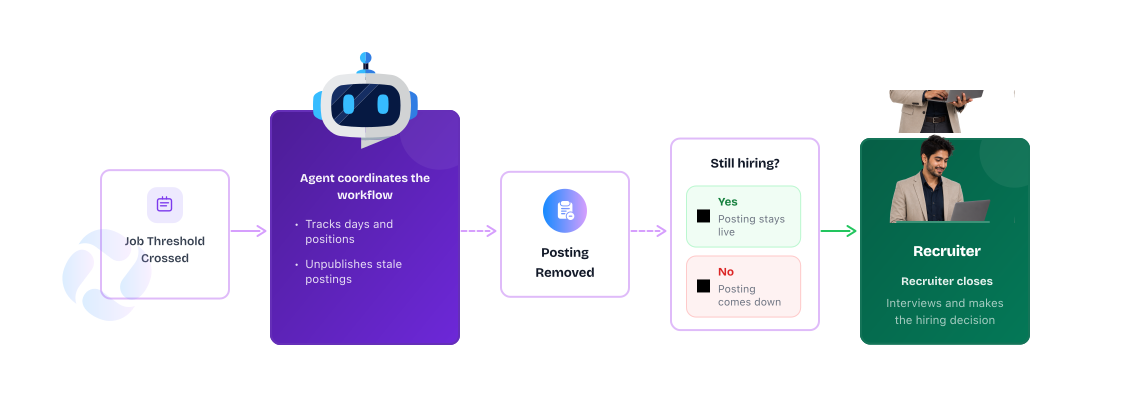
A role gets filled and everyone moves on to the next one. The posting stays live because taking it down is nobody's job. Candidates keep finding it, keep applying and keep waiting for a reply that will never come.

.jpg)
Someone has to notice the posting, confirm the role is closed and remove it from every channel where it appears. That is coordination work sitting on a recruiter’s desk. In the meantime, sourcing spend keeps running against a role that no longer needs it, applications pile up that nobody will read, and every candidate who hears nothing carries that silence into how they talk about your brand.

Reviews every active job daily, with no manual trigger needed.

Checks each job against your day threshold and its fill status.

Unpublishes the posting from your active channels and records why.

Works the open roles and engages the candidates who applied to them.

The agent evaluates every active job each day. Nobody has to start the process or remember it exists.

A job passes your day threshold or all of its positions are filled. Either condition can trigger action on its own, or you can combine both.

The agent removes the posting from the Career Site, with the flexibility to extend to other channels.

Every unpublish action carries the trigger reason and timestamp, so your team can see exactly what happened and why.
Configure once. The agent coordinates from there.

Candidates only see roles you are actively hiring for, so every application they make can lead somewhere.

Listings come down the moment a role is filled or times out, instead of collecting applications nobody will act on.

Each action is logged with its reason and timestamp, so the state of every job can be explained at any time.
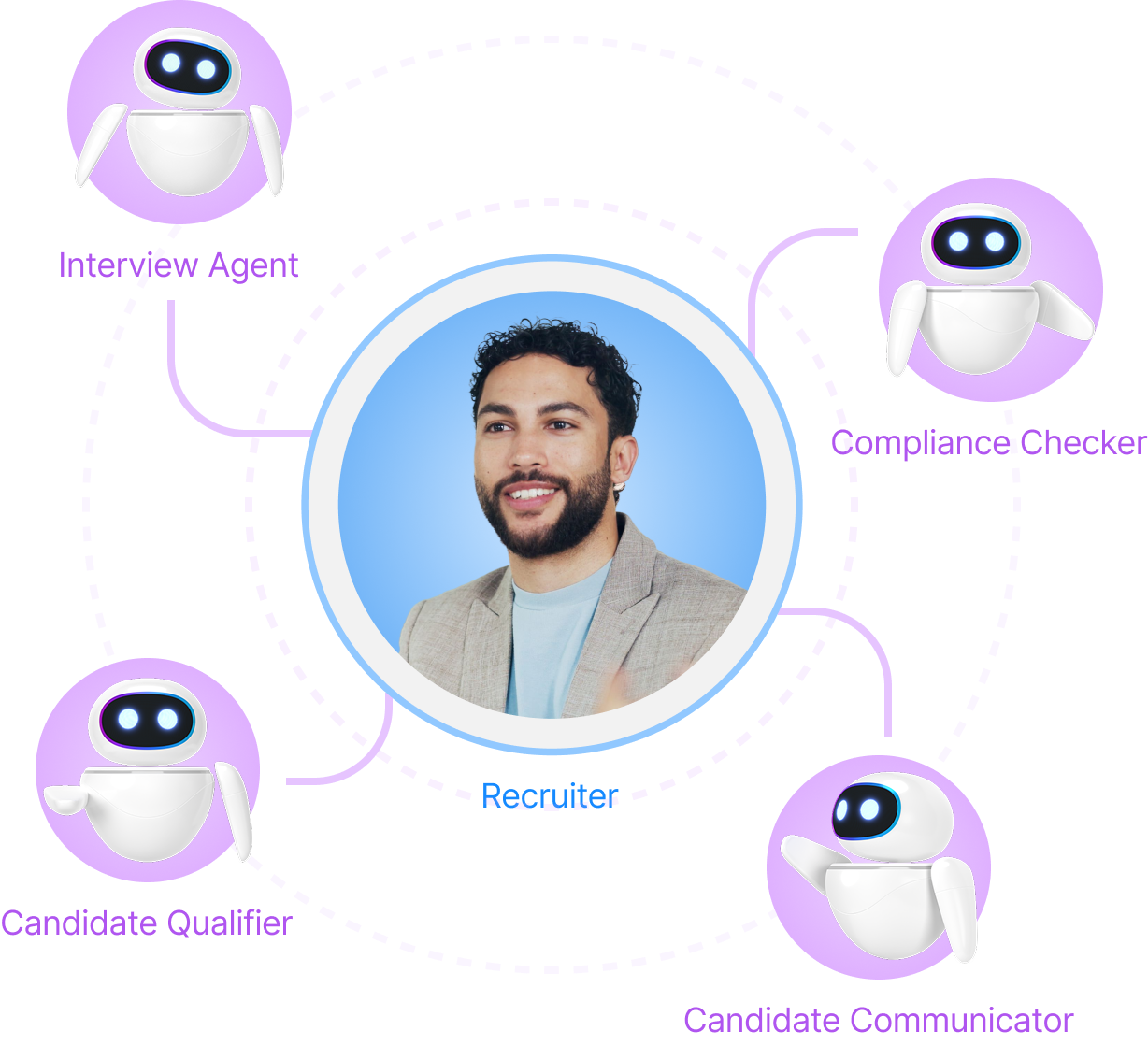
Job unpublishing is one workflow Agent Builder can coordinate. Smart Job Distribution opens roles with full reach; this agent closes them cleanly. Pipeline Hygiene applies the same discipline to candidates who stall. The Approval Agent governs the requisition before it ever goes live.
The pattern stays the same: agents handle the coordination, while recruiters handle the conversations, decisions and relationships that move hiring forward.
We can show you this agent running against your live requisitions and posting channels, so you can see which jobs it would have unpublished and where your recruiters step in.