
.png)
Put your sourcing strategy on autopilot
We can show you this agent configured around your actual job types, channels and distribution rules. See how the sequence works and where your recruiters step in.


.svg) Product
Product Core Modules
Extended Modules
Experience
RippleHire AI
Meet the agents
How the platform works
Responsible AI & Governance
Solution
By Role
By Industry
By Hiring Type
Customers
Core Modules
Extended Modules
Experience
RippleHire AI
Meet the agents
How the platform works
Responsible AI & Governance
Solution
By Role
By Industry
By Hiring Type
Customers Customer Stories
Proof & Community
Resources
Customer Stories
Proof & Community
Resources Download
our Exclusive Ebook
Download
our Exclusive Ebook
Advanced thinking in talent science and culture Actionable frameworks for HR leaders Case studies and results from industry pioneers
Talent science
Comparisons
Company
Talent science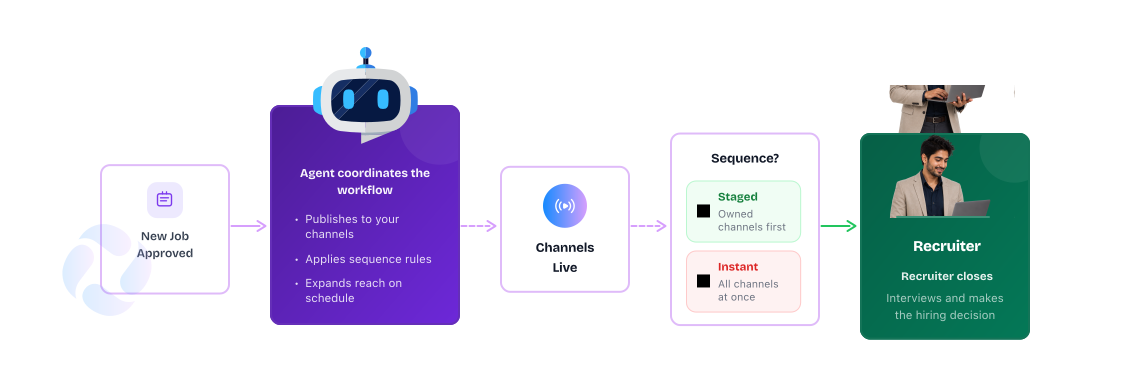
A new role gets approved and the usual thing happens: it goes live everywhere. Career site, external channels, employee referrals, internal postings. There is no real sequence, just more places for recruiters to manage.

.jpg)
That means your employees may discover a role on LinkedIn before they ever get the chance to refer someone. Recruiters end up deciding where and when to publish each job, then repeating the process across every new requisition.
The result: more manual coordination and less control over how each role enters the talent market.

Gives employees and internal talent access before external distribution, when your rules call for it.

Keeps the next channel back until the timing or conditions you define are met.

Moves the role to additional channels when it is time to widen the search.

Steps in where human judgement matters: evaluating candidates, engaging talent and making the hire.

The agent picks up the role when the relevant event or schedule occurs.

Use timing, job type or other conditions to determine which channel should be active.

The agent publishes or unpublishes the role across the channels you've selected.

Where communication is needed, the agent can trigger the next step automatically.
Configure your sourcing strategy once. The agent coordinates distribution from there.

Give employees and internal candidates a defined window before taking the role wider.

Jobs move through your chosen distribution sequence automatically instead of relying on recruiter memory.

Less time deciding where to publish. More time engaging, evaluating and closing the candidates the role needs.
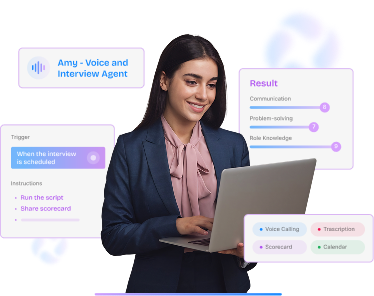
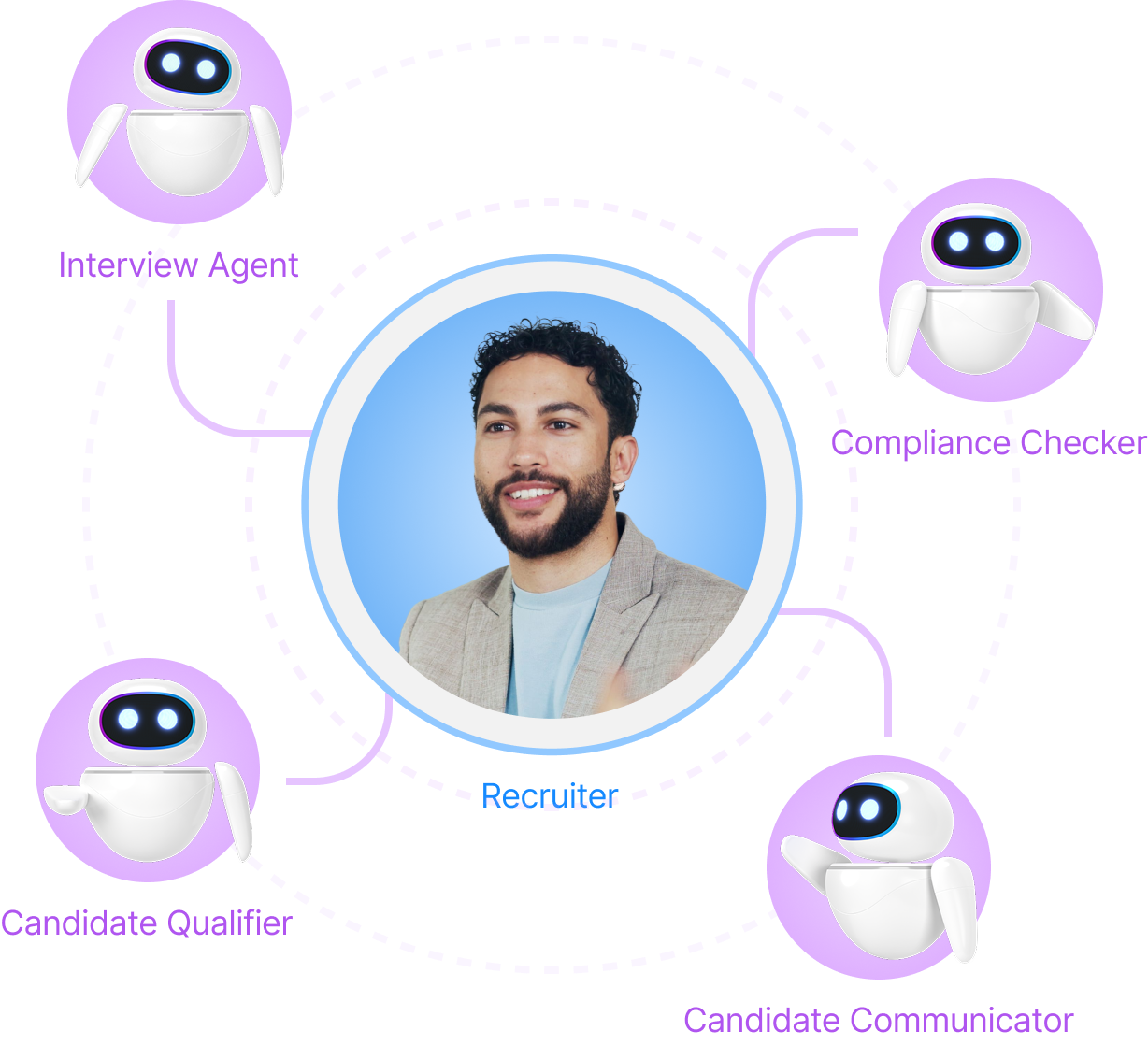
Job distribution is one workflow Agent Builder can coordinate. The same framework can launch AI interviews when applications arrive, move qualified candidates between stages, enforce compliance rules before an offer is created or keep candidates informed throughout the process.
The agents handle the coordination. Your recruiters handle the sourcing strategy, candidate conversations and decisions that move hiring forward.
We can show you this agent configured around your actual job types, channels and distribution rules. See how the sequence works and where your recruiters step in.